

Notion, meet Dia
A quick tour
Every doc, note, and project in your workspace is context Dia can pull from — and write back to. Ask it to find what you know, or turn scattered notes into something structured.
Find the answer buried in your workspace
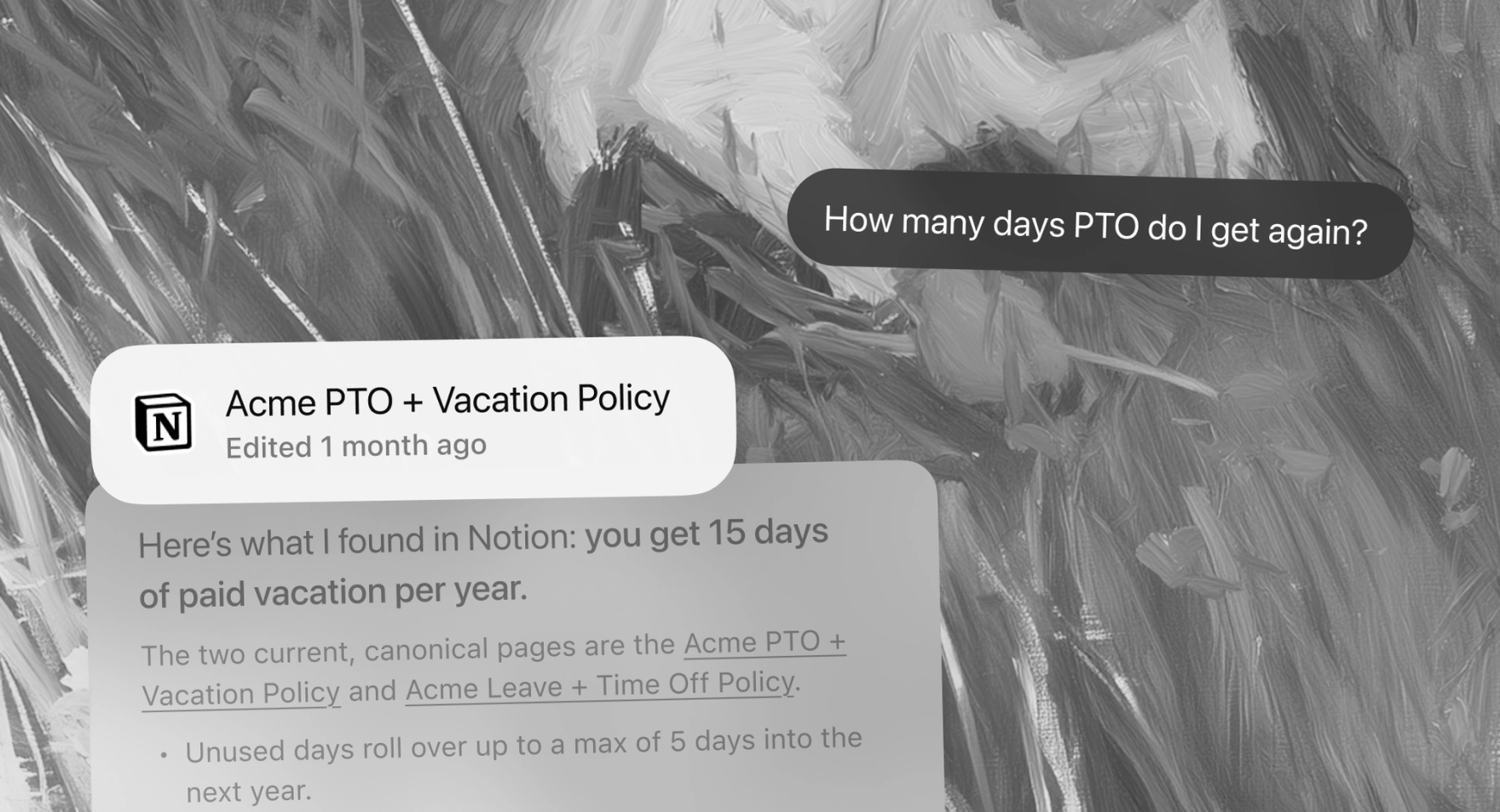
Find our expense policy in Notion — pull the source doc, summarize it, and link me to the exact section.
Searches your Notion and cites the sourceAsk about any policy, process, project, or piece of company knowledge. Dia finds the source in Notion, gives you the answer, and links to the exact section.
Turn meeting decisions into project updates
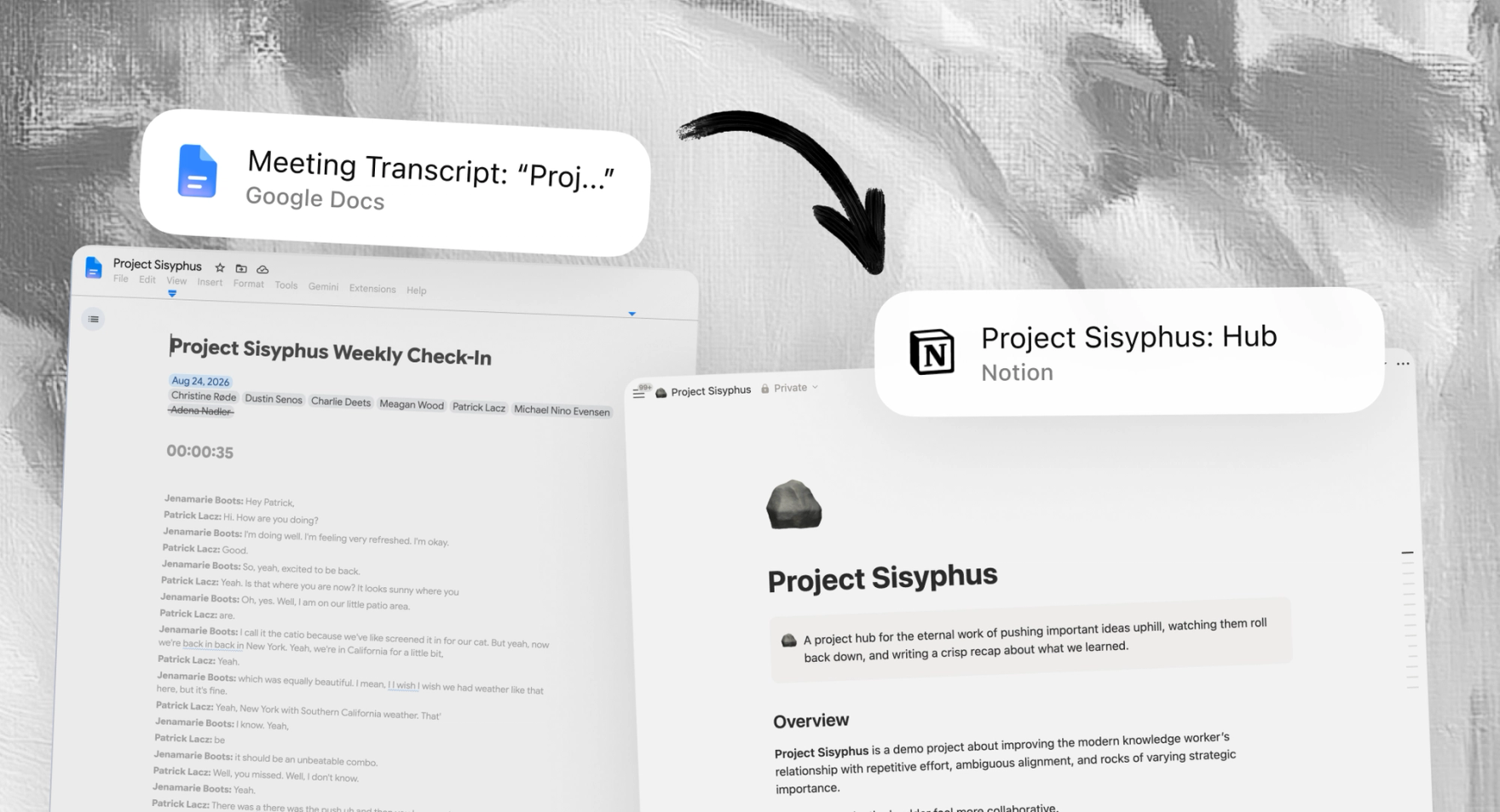
Update the matching project in Notion from these meeting notes — log decisions, add action items, and flag any changes to scope or timing.
Updates Notion from the notes you’re viewingDia compares the meeting notes with the project already in Notion, then writes back what changed — decisions, owners, actions, and shifts to the plan.
Turn any conversation into a clean spec
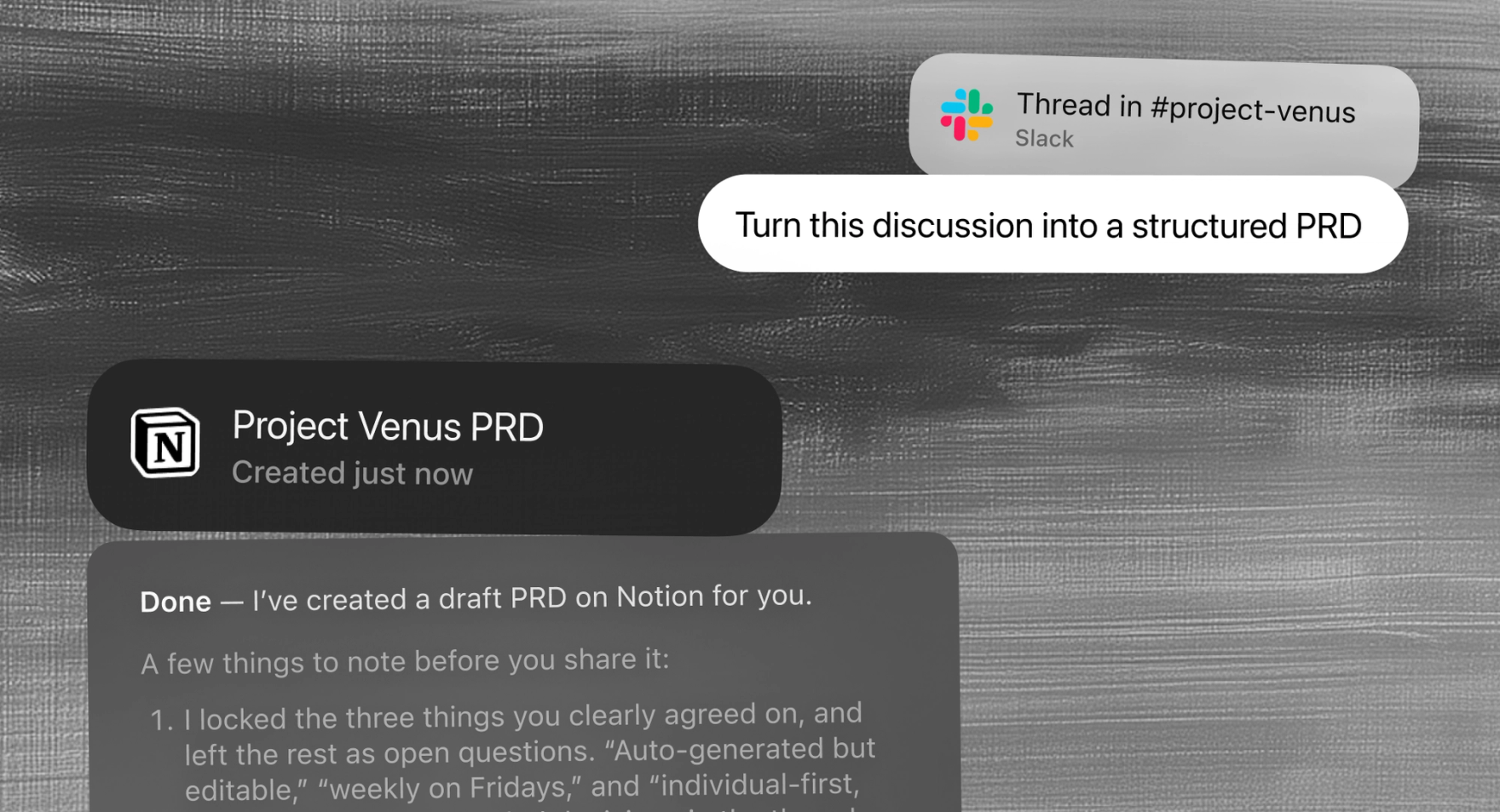
Turn this discussion into a structured PRD in Notion — context, decisions, requirements, and open questions.

 Uses the conversation you’re viewing
Whether it’s a chat thread, comments, or a long email chain, Dia uses the page you’re on and turns the discussion into a structured Notion doc.
See where every project stands
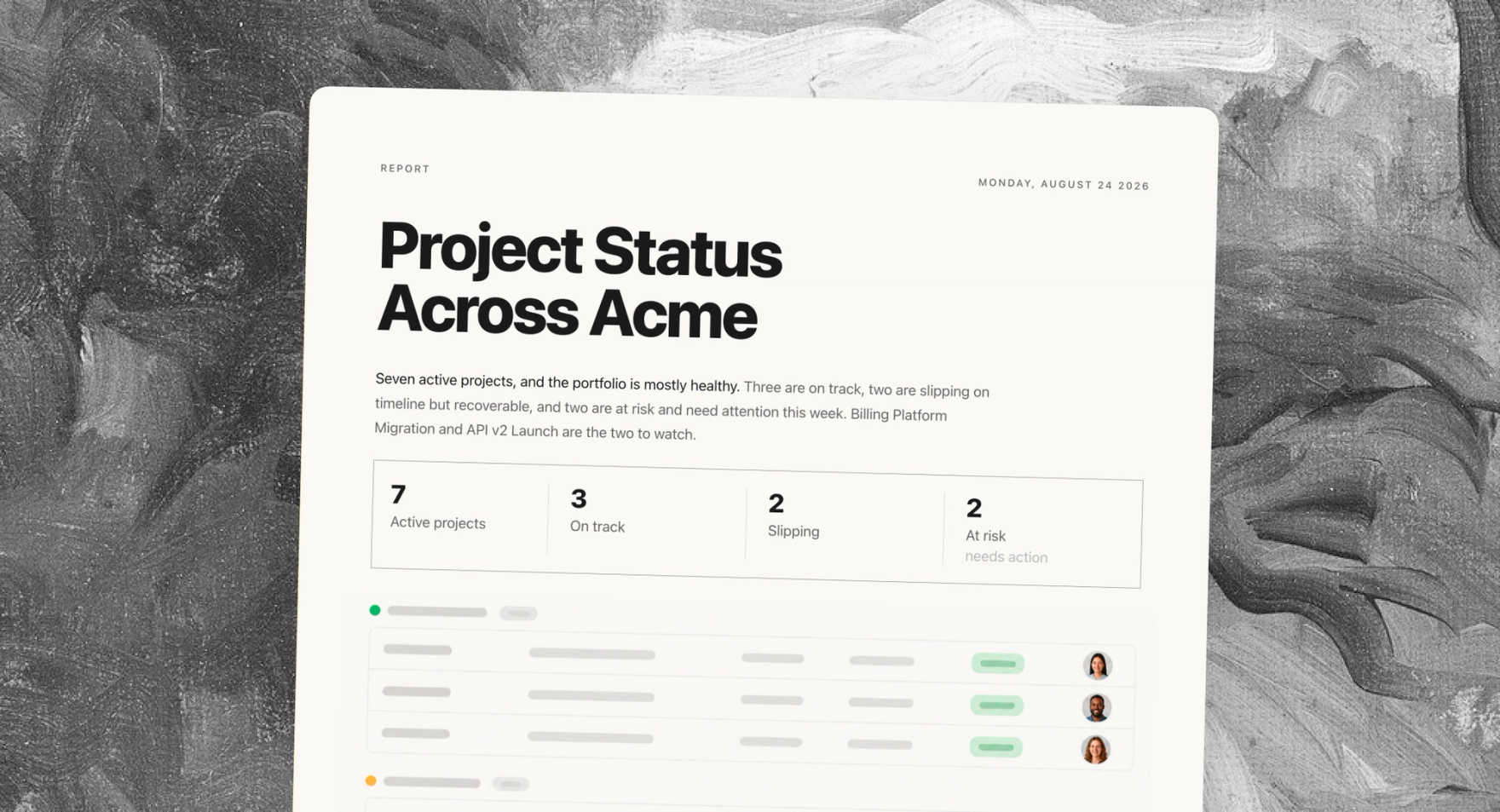
Summarize the status of every project in my Notion — what's on track, what's slipping, and who owns each one.
Reads across your Notion project databaseDia reads your projects database and hands back a clean rollup — what's on track, what's at risk, and who's accountable — without you opening a single page.
That's Notion in Dia.