

Google, meet Dia
A quick tour
Gmail, Calendar, and Drive are one place Dia can read across. Ask it to run your day, clear your inbox, or dig up the file you need.
End the day without loose ends
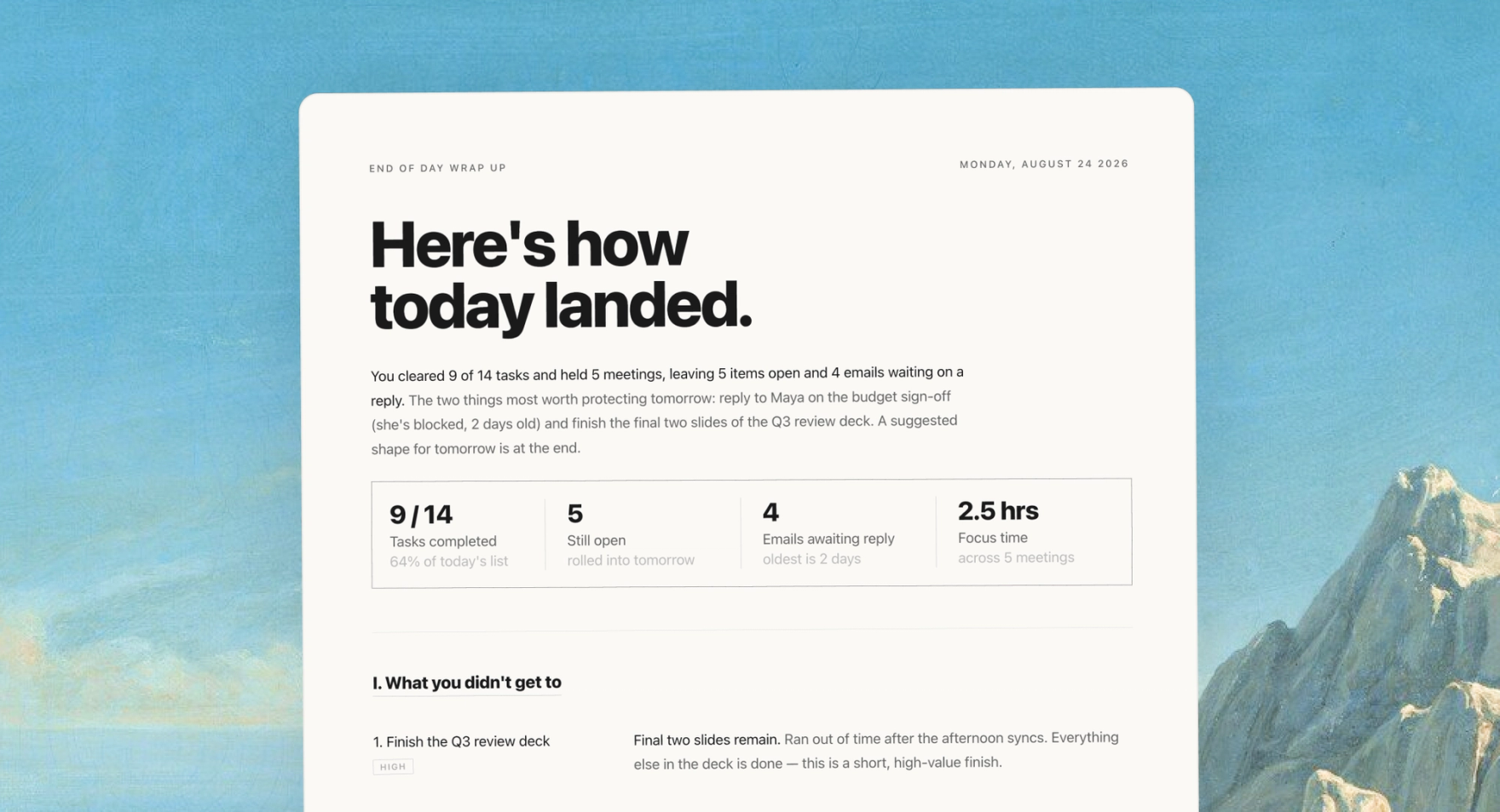
Give me an end-of-day wrap-up — what I didn't get to, which emails still need a reply, and what should carry into tomorrow.


 Reads across Gmail, Calendar, and Drive
Dia checks today’s calendar, unanswered email, and recently active files to surface what slipped — then gives you a clean handoff into tomorrow.
Cut through the inbox noise
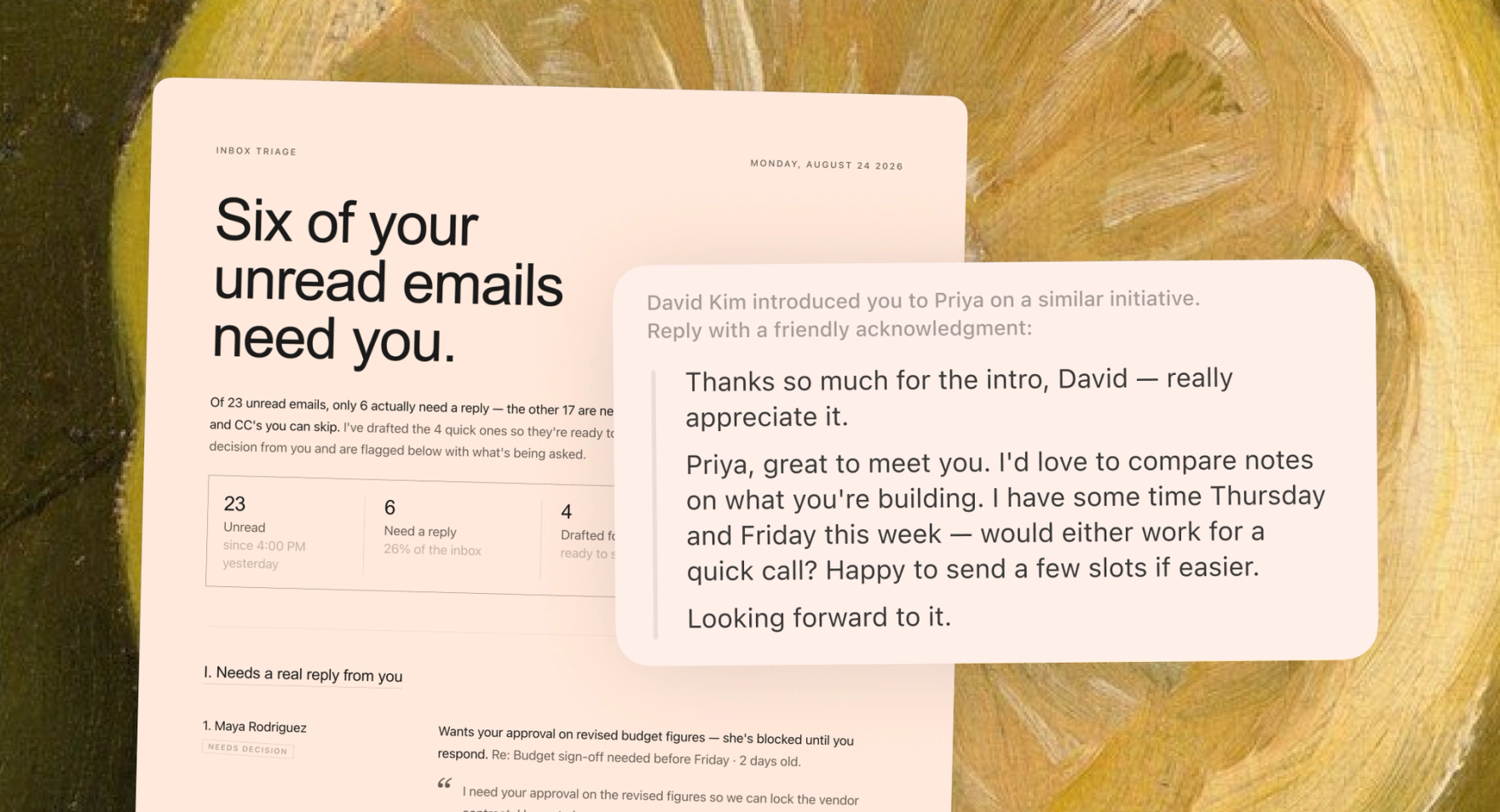
Go through my unread email and tell me what actually needs a reply — and draft the quick ones for me.
Reads and drafts in GmailDia separates the signal from the newsletters, tells you what genuinely needs you, and has the easy replies drafted before you've finished your coffee.
Prep every meeting on your calendar
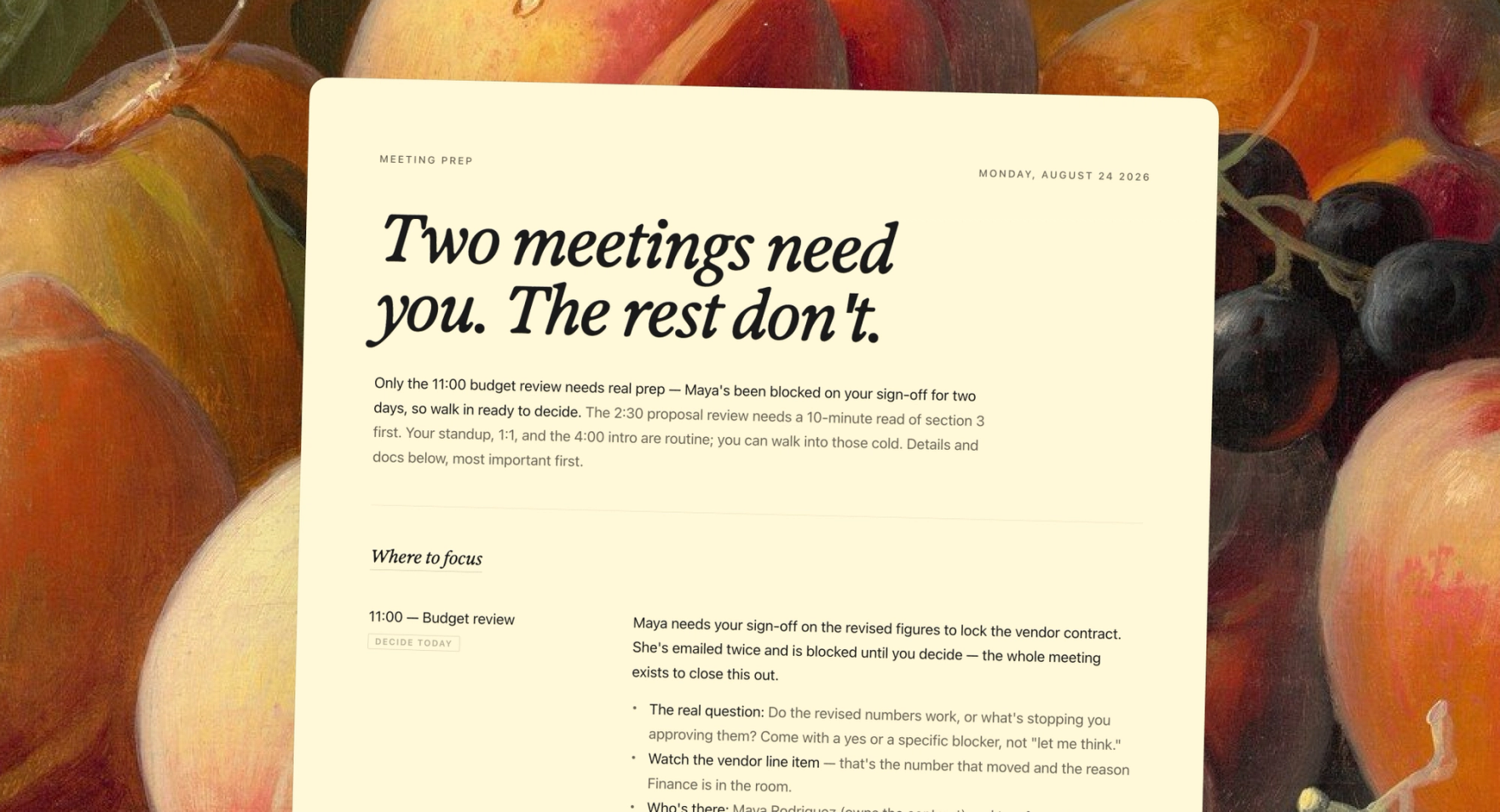
Look at my calendar today and prep me for each meeting — who's attending, what it's about, and the docs I'll need.
Combines Calendar, Gmail, and DriveFor each event, Dia pulls the attendees, the email thread behind it, and the relevant Drive docs — so you walk in knowing exactly what it's about and what to bring.
Find and summarize any file, fast
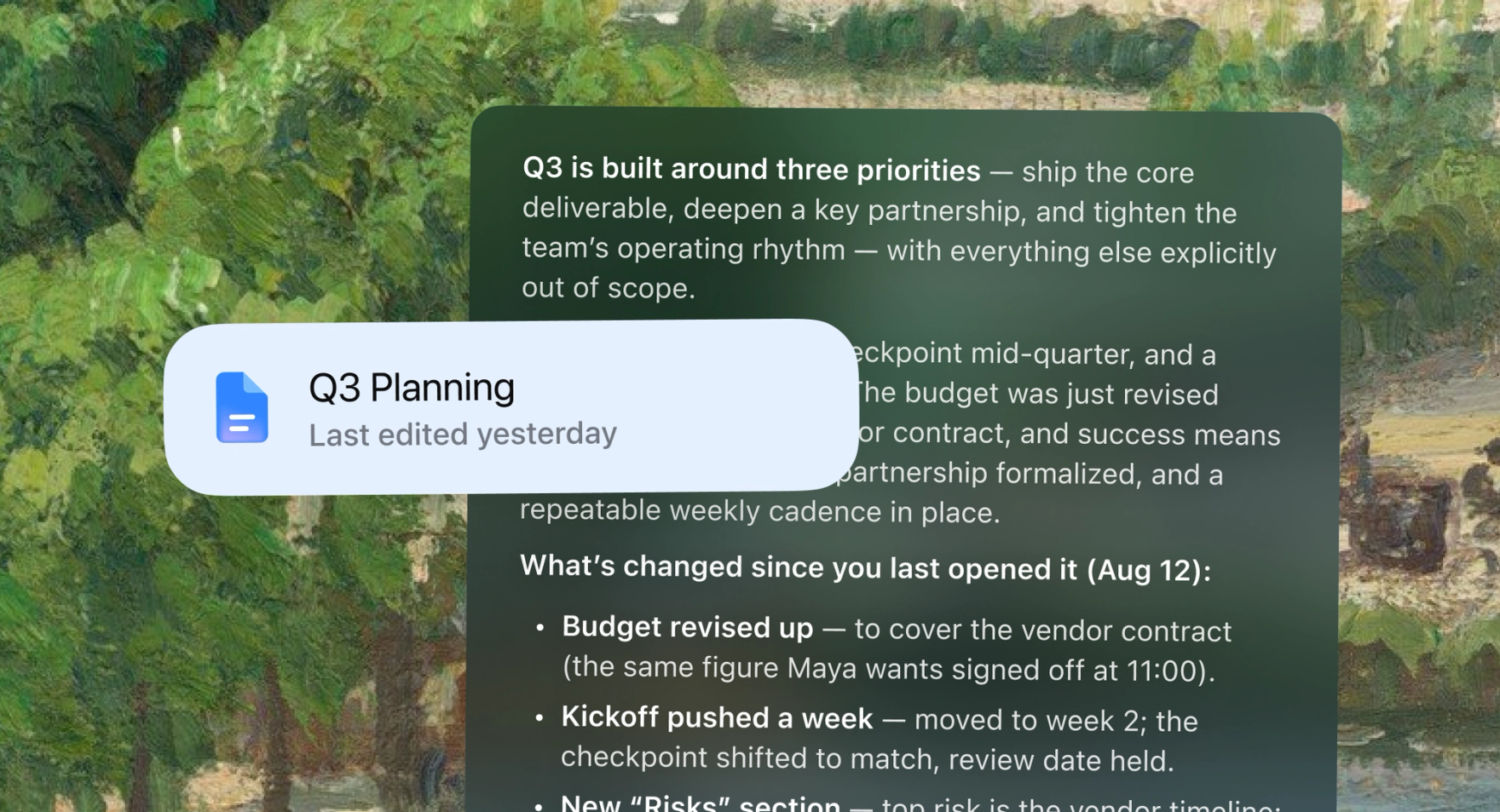
Find the Q3 planning doc in my Drive and give me the gist — plus anything that's changed since I last looked.
Searches and reads your DriveNo more hunting through folders. Dia finds the file, reads it — doc, sheet, or slide — and hands you the summary and what's new, in seconds.
That's Google in Dia.